Workflows & Examples
Pre-built templates and real-world workflow patterns
Ready-to-Use Templates
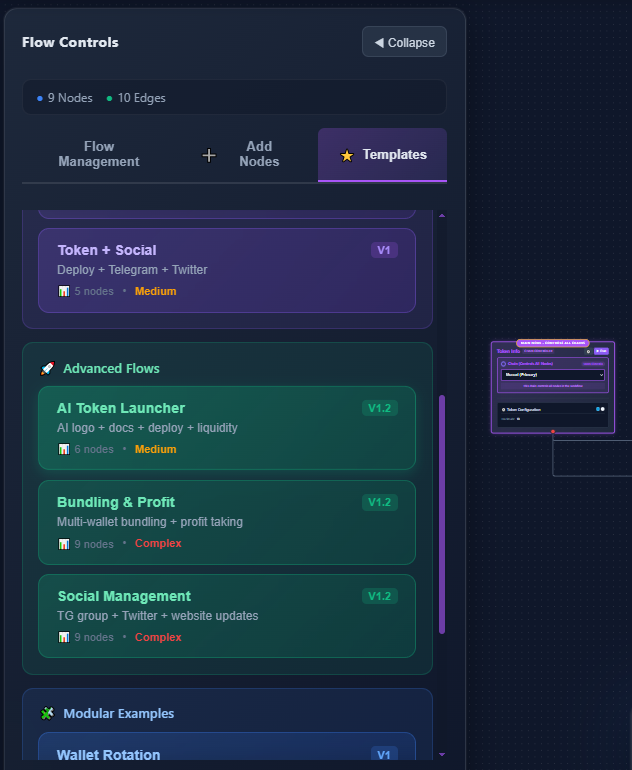
Template Categories
Token + Social (V1)
Deploy token with integrated Telegram and Twitter announcements
5 nodes - Medium complexity
Perfect for quick launches with social presence
AI Token Launcher (V1.2)
AI-generated logo + docs + deploy + liquidity
6 nodes - Medium complexity
Fully automated launch with AI assets
Bundling & Profit (V1.2)
Multi-wallet bundling + profit taking strategies
9 nodes - Complex
Advanced trading with multiple wallets
Social Management (V1.2)
TG group + Twitter + website updates
9 nodes - Complex
Complete social media automation
Example: Basic Token Launch
Token Info Node
Configure token name, symbol, and metadata
Deploy Node
Deploy smart contract to selected chain
Add Liquidity Node
Create initial liquidity pool
Telegram Node
Send launch announcement to community
{
  "nodes": [
    { "id": "token-info", "type": "TokenInfo" },
    { "id": "deploy", "type": "Deploy" },
    { "id": "liquidity", "type": "AddLiquidity" },
    { "id": "telegram", "type": "Telegram" }
  ],
  "edges": [
    { "source": "token-info", "target": "deploy" },
    { "source": "deploy", "target": "liquidity" },
    { "source": "liquidity", "target": "telegram" }
  ]
}
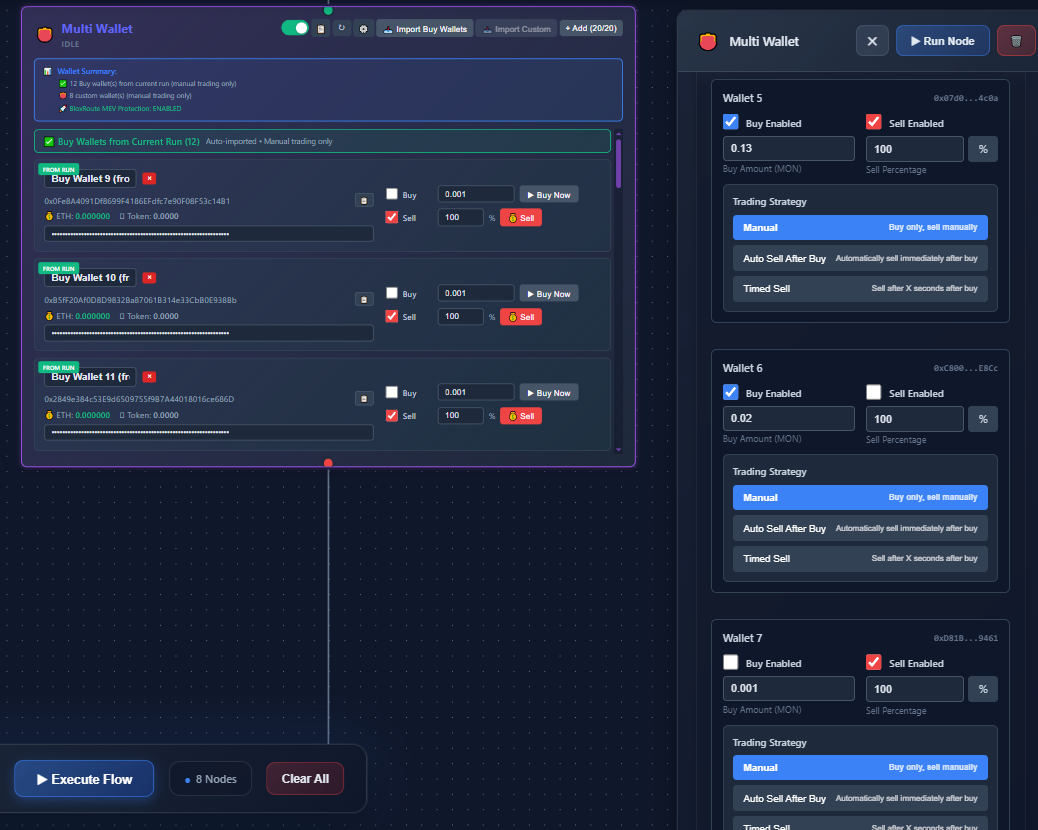
Example: Multi-Wallet Trading
Advanced Feature
All-to-All
1:1 mapping - each source wallet to one destination
One-to-Many
Single source to multiple destinations with random amounts
Many-to-One
Collect from all sources to single destination